Building an AI Document Assistant for PDFs and Websites
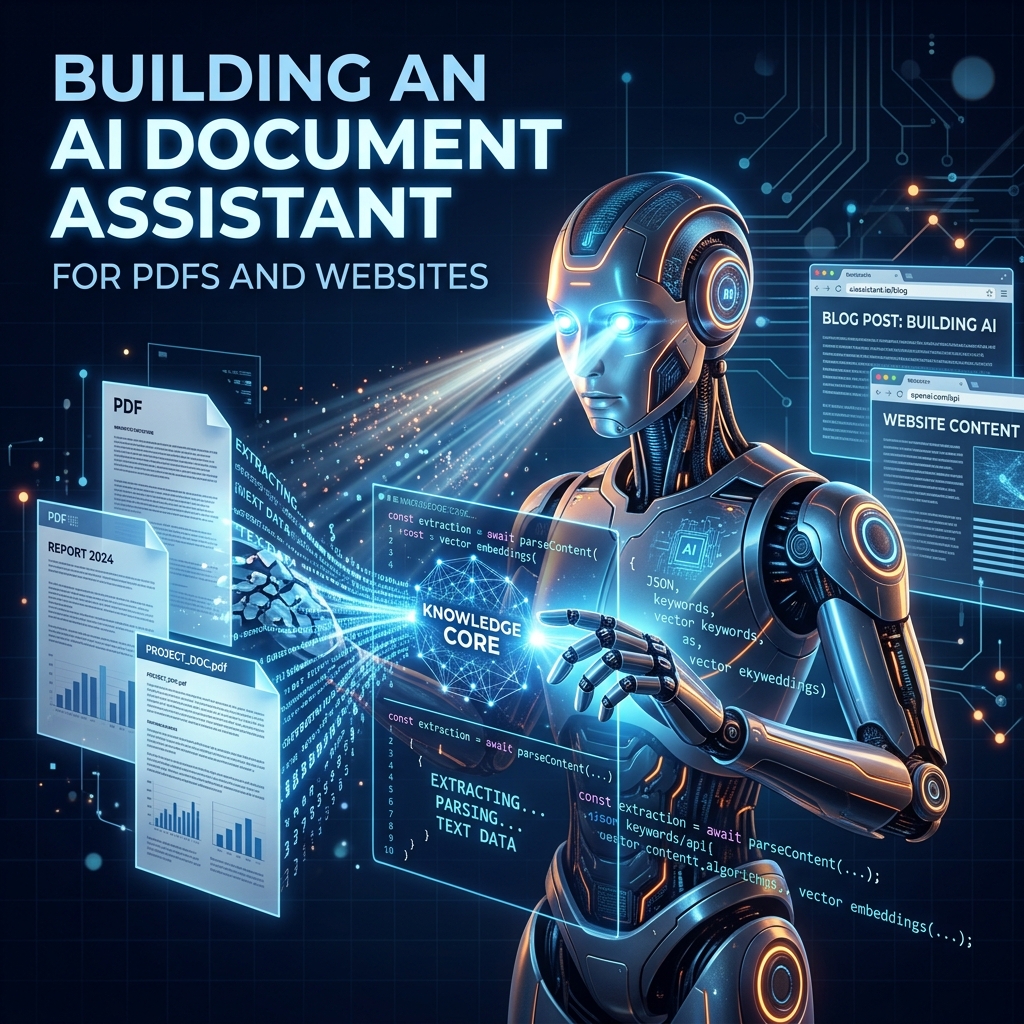
Constructing a Unified RAG Assistant
Organizations hold massive amounts of unstructured knowledge in PDF manuals, whitepapers, and web pages. Building a unified AI Document Assistant allows users to query these sources simultaneously, extracting direct answers with clear citations. In this guide, we walk through the steps of setting up a document parsing and semantic retrieval pipeline.
1. Parsing Unstructured Data
The first hurdle is parsing. PDFs are notoriously difficult because they store visual layouts rather than semantic structures. Using libraries like PyPDF, PDFPlumber, or OCR models, we extract raw text while preserving tables. For websites, we strip HTML boilerplate to isolate articles. A clean input is crucial; garbage in leads to garbage out.
2. Semantic Chunking and Embedding
Rather than embedding entire documents, we break them into smaller, overlapping chunks (e.g., 500 characters with 100 characters overlap). We run these chunks through an embedding model (like OpenAI's text-embedding-3-small) to represent the text as multi-dimensional vectors. We then save these vectors in a database like pgvector or Pinecone.
3. The RAG Query Loop
When a user asks a question, the assistant:
- Generates an embedding of the user's query.
- Performs a cosine similarity search against the vector database to retrieve the top 5 most relevant chunks.
- Feeds these chunks as context into the prompt of an LLM, asking it to answer the question using ONLY the provided text.
Adding citations back to the source URL or PDF page number increases user confidence and makes the assistant a reliable productivity tool.